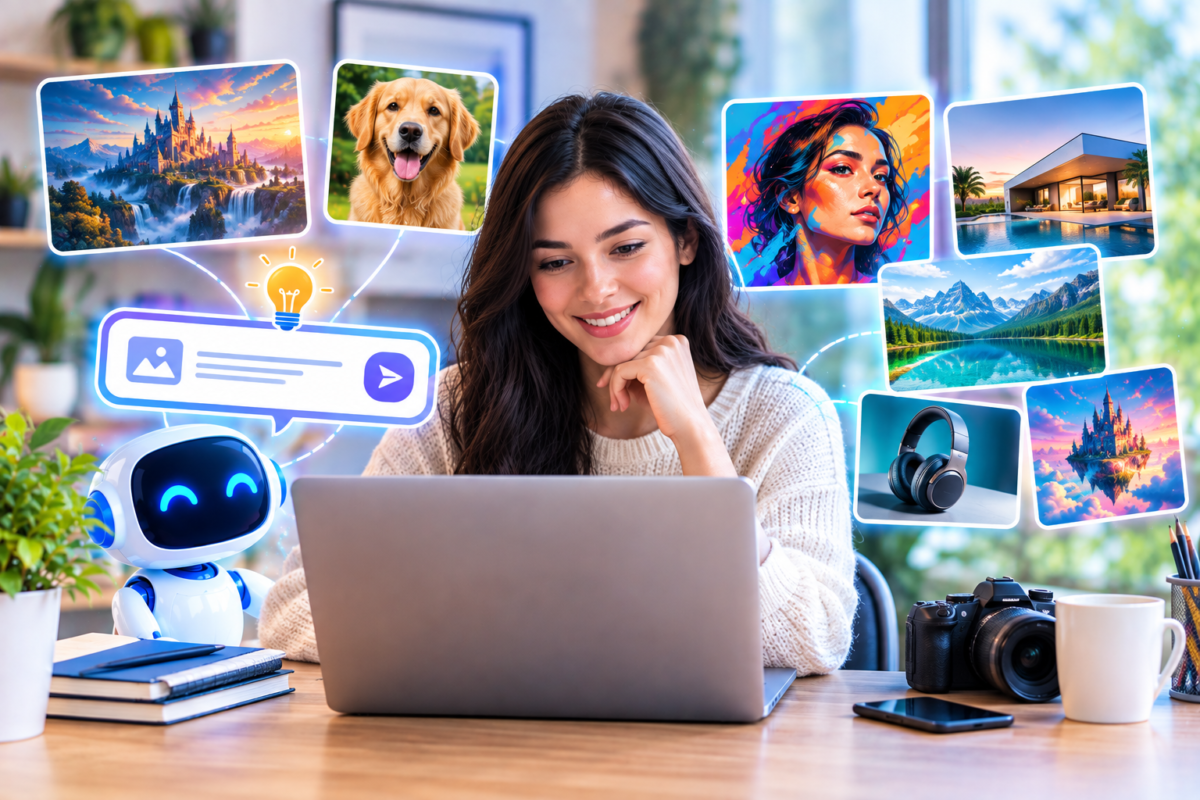
AI image generators have transformed digital design by making it possible to create images from simple text descriptions. Whether you are a designer, marketer, blogger, business owner, content creator, or simply experimenting with AI, these tools can help turn ideas into visuals within minutes.
What Are AI Image Generators?
AI image generators are tools that use artificial intelligence to create or modify visual content. You can describe an image using natural language, provide a reference image, or combine text and visual instructions to produce a new result.
Depending on the tool, you may be able to create photographs, illustrations, product concepts, characters, advertisements, logos, backgrounds, posters, social media graphics, and other visual assets.
Best AI Image Generators at a Glance
| AI Tool | Best For | Ideal Users |
|---|---|---|
| ChatGPT Images | General image creation and editing | Creators, marketers, bloggers |
| Midjourney | Creative and artistic imagery | Artists, designers, creators |
| Google Gemini | Conversational image creation and editing | General users and creators |
| Adobe Firefly | Design and creative workflows | Designers and Adobe users |
| Ideogram | Text, posters, and graphic design | Designers and marketers |
| Leonardo AI | Creative assets and visual experimentation | Artists and game creators |
| Recraft | Design assets and brand visuals | Designers and businesses |
1. ChatGPT Images
ChatGPT Images is a versatile option for people who want to create and edit images using natural-language instructions. Instead of learning a complicated design interface, users can describe what they want and refine the result through conversation.
It can be useful for creating blog illustrations, social media graphics, concept visuals, product concepts, promotional imagery, and creative experiments. It can also be useful when you want to make changes to an existing image using written instructions.
General-purpose image generation, creative concepts, content creation, image editing, and marketing visuals.
2. Midjourney
Midjourney is well known for AI-generated artwork and visually distinctive imagery. It is particularly interesting for creators who want to explore artistic styles, cinematic scenes, imaginative environments, characters, and highly visual concepts.
Users can create images from text prompts and can also use reference images to influence the content, composition, colors, or visual direction of a generation.
Artistic images, concept art, cinematic visuals, creative projects, and visual exploration.
3. Google Gemini
Google Gemini can be used conversationally to create and work with images. Its conversational approach makes it useful when you want to describe an idea, review a generated result, and then request additional changes.
For users already working within Google’s ecosystem, Gemini can be an appealing option for combining AI assistance with everyday research, brainstorming, and creative workflows.
Conversational image creation, creative experimentation, image editing, and general AI-assisted workflows.
4. Adobe Firefly
Adobe Firefly is designed around creative workflows and integrates with Adobe’s broader ecosystem. It can be useful for generating visual concepts and assets while working with other design and creative applications.
For designers who already use tools such as Photoshop or other Adobe applications, Firefly can fit naturally into an existing creative workflow.
Graphic design, creative production, marketing assets, image generation, and Adobe-based workflows.
5. Ideogram
Ideogram is an AI image generation platform with a strong focus on visual design and text within images. This makes it particularly interesting for projects where typography and graphic composition are important.
Designers and marketers can use it to experiment with posters, advertisements, social media graphics, logos, presentation visuals, and other designs that combine imagery with text.
Posters, typography, advertisements, graphic design, marketing visuals, and text-heavy images.
6. Leonardo AI
Leonardo AI is designed for creative image generation and visual asset creation. It can be useful for artists, designers, game creators, marketers, and anyone experimenting with AI-generated visual content.
Its creative focus makes it worth considering when you need more than a simple text-to-image workflow and want to explore different visual directions.
Digital art, creative assets, concept development, game visuals, and experimentation.
7. Recraft
Recraft focuses on AI-assisted design and visual asset creation. It can be useful when your project requires more design-oriented outputs rather than only artistic images.
Designers can consider Recraft for brand visuals, illustrations, marketing graphics, and other assets that need a more structured design approach.
Brand graphics, illustrations, marketing assets, design concepts, and visual content.
How to Choose the Right AI Image Generator
The right AI image generator depends on what you want to create. Instead of looking for one tool that does everything, consider the type of images you create most frequently.
Artistic Images
Look for strong style control and creative exploration.
Blog Images
Choose an easy workflow for quickly producing original visuals.
Marketing Graphics
Consider tools that handle layouts, text, branding, and editing.
Professional Design
Look for tools that fit into your existing design workflow.
What Can You Create With AI Image Generators?
Modern AI image tools can be used for a wide variety of creative projects. The possibilities depend on the capabilities of the platform and the quality of your prompt.
- Blog and website illustrations
- Featured images
- Social media graphics
- Product concepts
- Advertising visuals
- Posters and promotional designs
- Concept art
- Characters and environments
- Presentation graphics
- Backgrounds and textures
- Creative illustrations
- Brand and marketing concepts
How to Write Better AI Image Prompts
The prompt is one of the most important parts of AI image generation. A vague description can produce unpredictable results, while a detailed prompt gives the generator more useful direction.
PROMPT STRUCTURE
Subject + Environment + Composition + Lighting + Style + Camera or Perspective + Mood + Important Details
Example AI Image Prompt
“A professional content creator working on a laptop in a modern home office, natural morning light, clean wooden desk, indoor plants, realistic photography, shallow depth of field, soft cinematic lighting, warm and professional atmosphere, wide composition.”
Adding useful visual details such as lighting, camera perspective, environment, composition, colors, materials, and mood can make your prompts more precise.
AI Image Generators for Different Use Cases
| Use Case | What to Look For | Important Consideration |
|---|---|---|
| Blog Images | Fast generation and easy prompting | Consistent visual style |
| Social Media | Flexible aspect ratios and editing | Brand consistency |
| Posters | Strong typography and layout | Text accuracy |
| Concept Art | Creative control and style variety | Character and style consistency |
| Product Visuals | Reference images and editing | Accurate product details |
| Brand Design | Design controls and consistency | Commercial usage terms |
Important Things to Check Before Using an AI Image
Creating an attractive image is only part of the process. If you are using AI-generated visuals for a business, website, advertising campaign, or client project, there are additional considerations.
- Usage rights: Check the current terms of the platform and the plan you are using.
- Brand requirements: Make sure the image fits your brand identity and visual guidelines.
- Accuracy: Check people, objects, products, logos, text, and other important visual details.
- Originality: Avoid creating visuals that intentionally imitate protected characters, brands, or living artists in inappropriate ways.
- Editing: AI output may need additional work in Photoshop, Illustrator, or another design application.
AI Image Generators vs. Traditional Design Tools
AI image generators and traditional design software serve different purposes. AI tools are excellent for quickly exploring ideas and generating visual starting points, while traditional design applications provide detailed manual control.
| AI Image Generators | Traditional Design Tools |
|---|---|
| Fast concept generation | Detailed manual control |
| Text-based creative workflow | Precise editing and layout |
| Useful for exploration | Useful for final production |
| Rapid variations | Fine-grained adjustments |
In many professional workflows, the two approaches work together. A designer can use AI to generate concepts and then use traditional software to refine the selected result.
Frequently Asked Questions
What is the best AI image generator?
The right choice depends on your specific needs. Some tools focus on artistic imagery, while others are designed around conversational editing, graphic design, typography, or professional creative workflows.
Can AI image generators create realistic photos?
Yes. Modern image generators can create highly realistic-looking scenes, people, products, environments, and photography-style compositions. Results can vary depending on the tool and prompt.
Can AI generate images from text?
Yes. Text-to-image generation allows users to describe a visual concept in natural language and receive an AI-generated image based on the description.
Which AI image generator is good for text in images?
Tools designed specifically for graphic design and typography can be useful when the image needs readable text. Always review generated text carefully because AI-generated typography can still contain errors.
Can I use AI-generated images commercially?
Commercial usage depends on the specific AI service, plan, output, and applicable terms. Check the current licensing and usage conditions of the tool before using an image for commercial work.
Are AI-generated images copyright-free?
You should not automatically assume that an AI-generated image is copyright-free. Copyright protection and ownership can depend on factors such as jurisdiction, human contribution, platform terms, and the way the image was created.
Final Thoughts
AI image generators have become powerful tools for designers, marketers, bloggers, businesses, and creative professionals. They can turn simple descriptions into visual concepts, help explore different styles, and reduce the time needed to create certain types of visual content.
The best tool for you will depend on what you create most often. If you need artistic experimentation, look at creative-focused platforms. If you need marketing graphics, typography, editing, or integration with a broader design workflow, a different tool may fit better.
The most effective approach is to experiment with several platforms, develop better prompting skills, and choose the workflow that gives you the right combination of quality, control, speed, editing capabilities, and usage rights.
Turn Ideas Into Images
Start with a clear idea, describe the visual details, experiment with different prompts, and refine the result until it matches your creative goal.